> ## Documentation Index
> Fetch the complete documentation index at: https://docs.autype.com/llms.txt
> Use this file to discover all available pages before exploring further.
# Signup & Login
> Create your Autype account or sign in — with email/password or OAuth providers.
## Create an account
To get started with Autype, create a free account at [app.autype.com/register](https://app.autype.com/register).
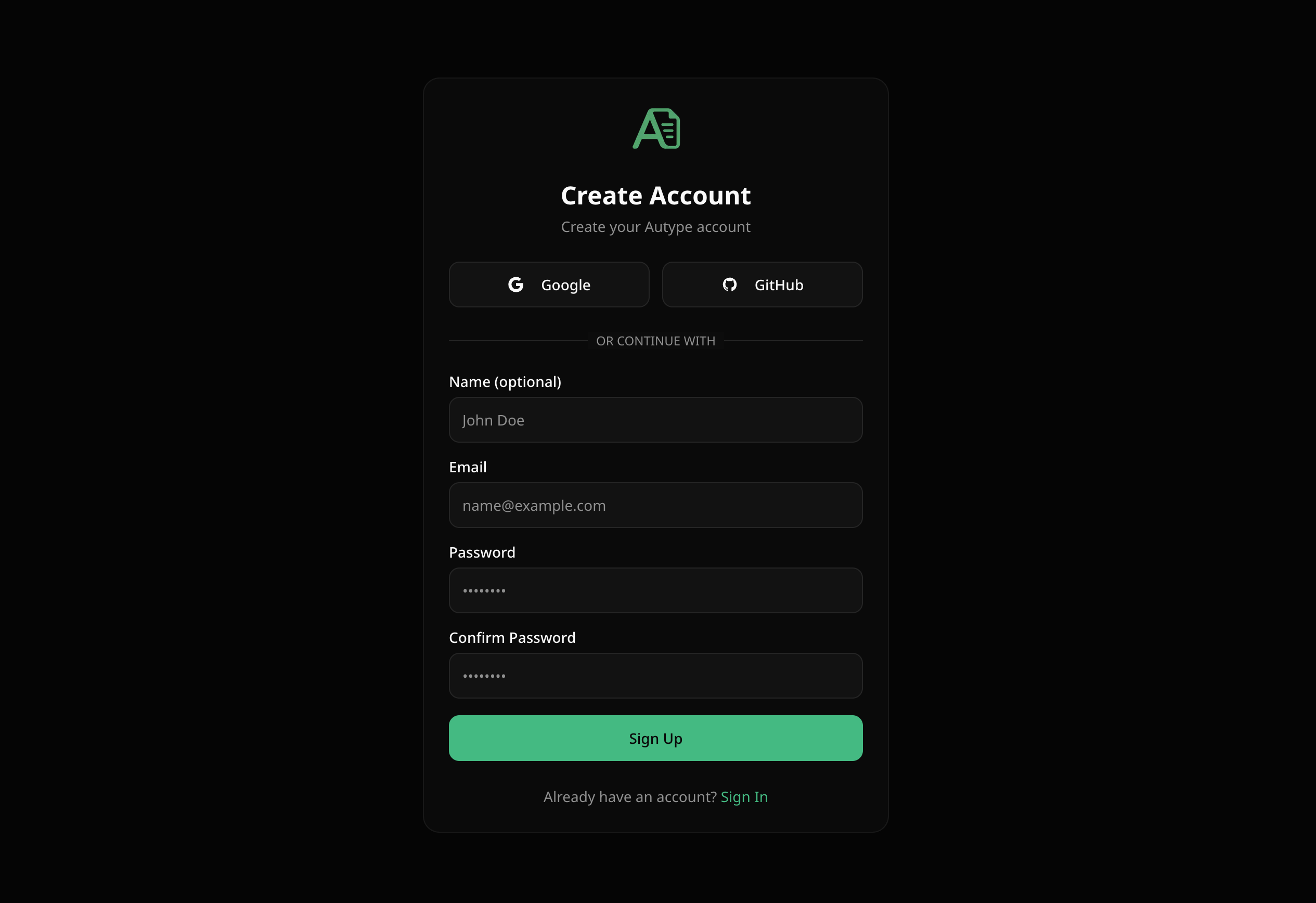 You can sign up using:
* **Google** — one-click sign up with your Google account
* **GitHub** — one-click sign up with your GitHub account
* **Email & Password** — enter your name (optional), email, and a password (min. 8 characters)
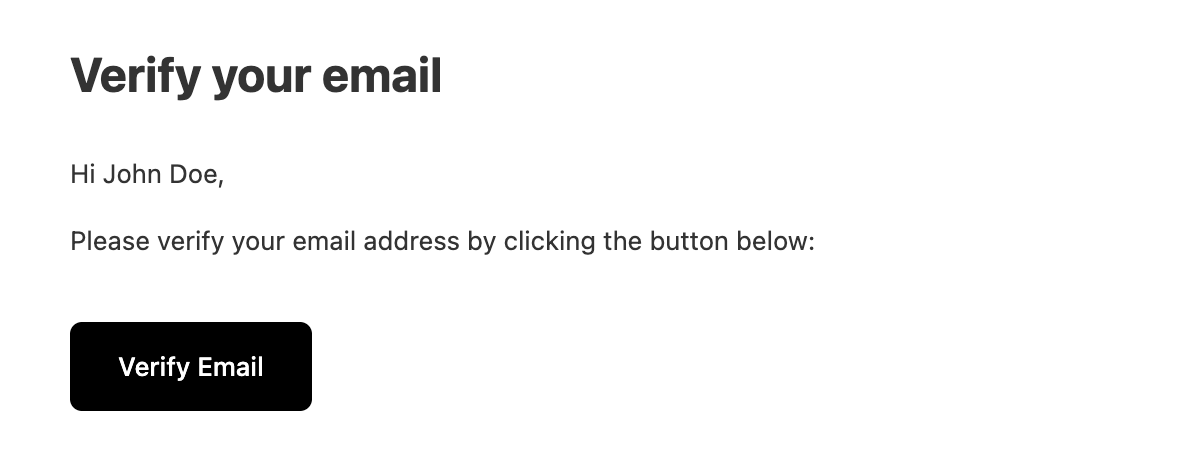
After signing up with email, you'll receive a **verification email**. Click the link in the email to activate your account.
If you don't see the verification email, check your spam folder. You can also request a new verification link from the verification page.
### Email verification
You can sign up using:
* **Google** — one-click sign up with your Google account
* **GitHub** — one-click sign up with your GitHub account
* **Email & Password** — enter your name (optional), email, and a password (min. 8 characters)
After signing up with email, you'll receive a **verification email**. Click the link in the email to activate your account.
If you don't see the verification email, check your spam folder. You can also request a new verification link from the verification page.
### Email verification
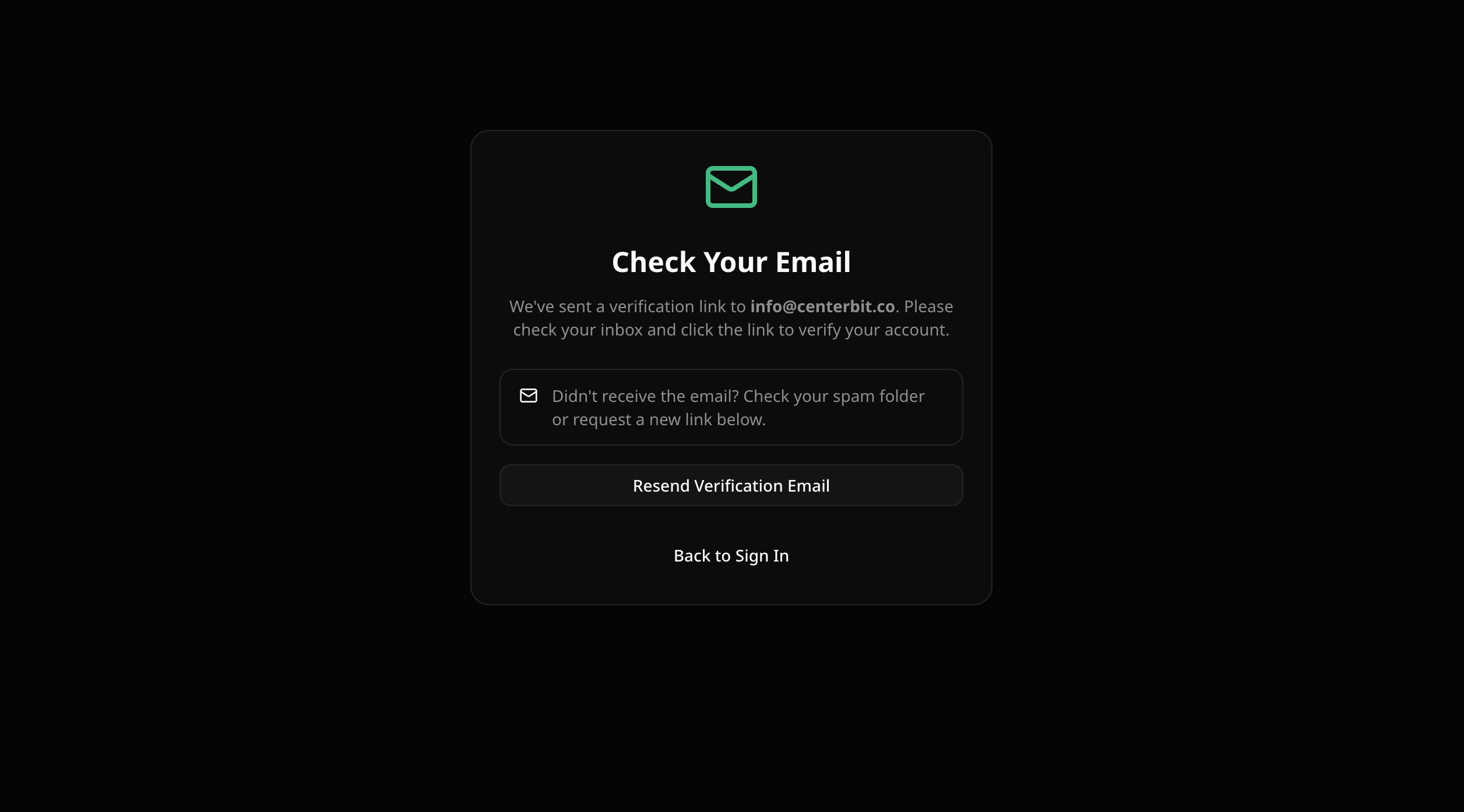 After registering with email, you are redirected to the verification page. Once you click the link in your inbox, your account is activated and you are automatically redirected to the workspace.
 ***
## Sign in
Go to [app.autype.com/login](https://app.autype.com/login) to sign in to your existing account.
***
## Sign in
Go to [app.autype.com/login](https://app.autype.com/login) to sign in to your existing account.
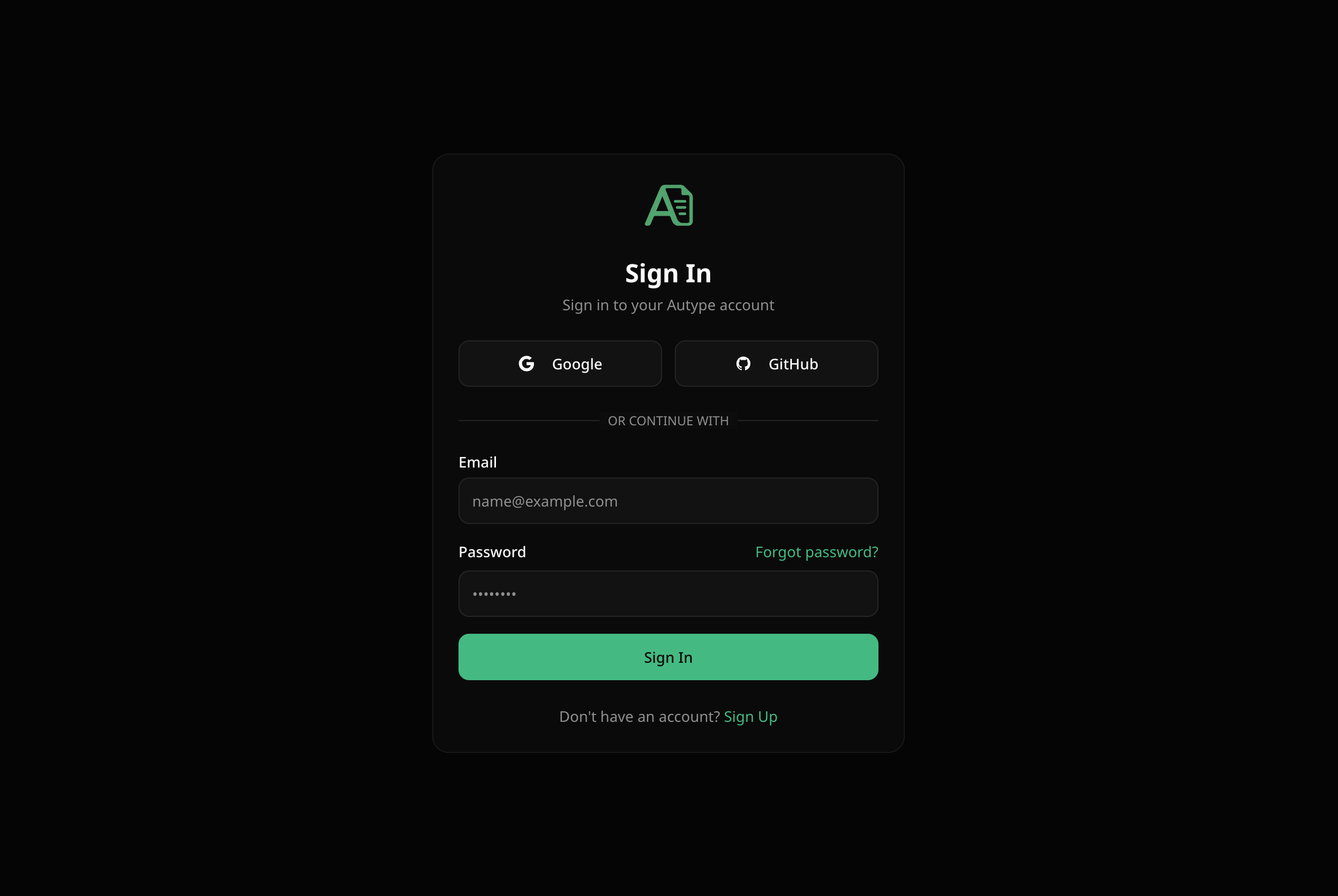 ### Supported sign-in methods
| Method | Description |
| -------------------- | ----------------------------------------------- |
| **Google** | Sign in with your Google account via OAuth |
| **GitHub** | Sign in with your GitHub account via OAuth |
| **Email & Password** | Sign in with your registered email and password |
### Forgot password
If you forgot your password, click **"Forgot password?"** on the login page.
### Supported sign-in methods
| Method | Description |
| -------------------- | ----------------------------------------------- |
| **Google** | Sign in with your Google account via OAuth |
| **GitHub** | Sign in with your GitHub account via OAuth |
| **Email & Password** | Sign in with your registered email and password |
### Forgot password
If you forgot your password, click **"Forgot password?"** on the login page.
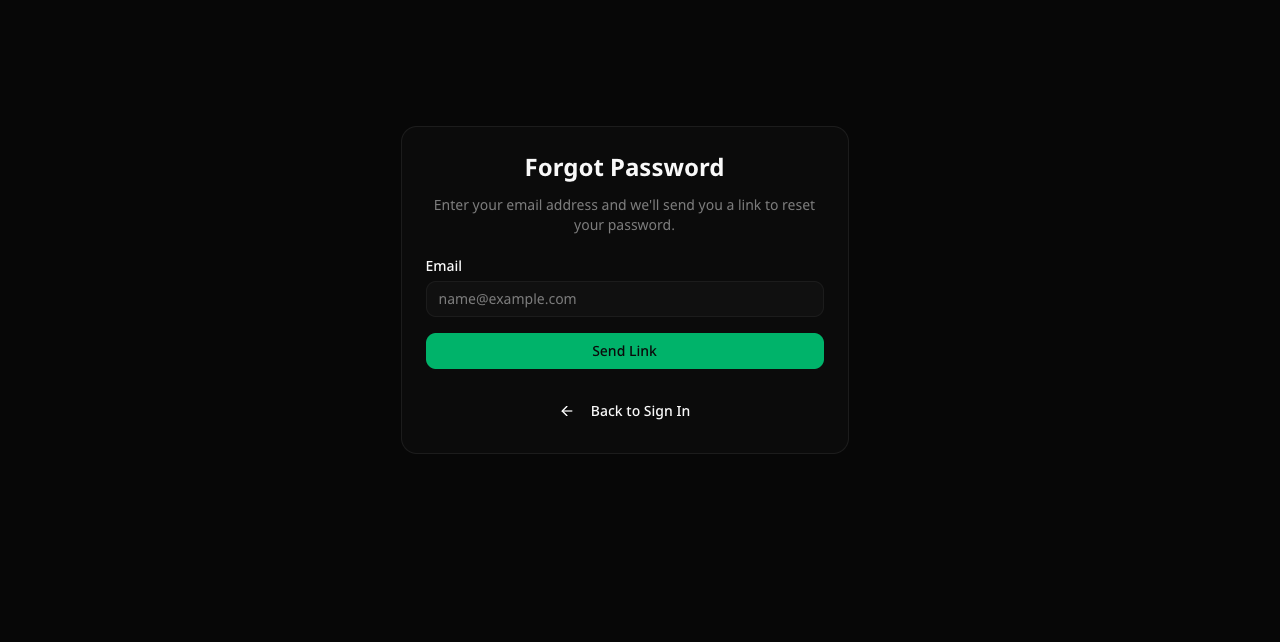 1. Enter your email address
2. Click **"Send Link"**
3. Check your inbox for a password reset email
4. Click the link and set a new password
OAuth users (Google/GitHub) don't need a password. If you signed up via OAuth, simply use the same provider to sign in.
1. Enter your email address
2. Click **"Send Link"**
3. Check your inbox for a password reset email
4. Click the link and set a new password
OAuth users (Google/GitHub) don't need a password. If you signed up via OAuth, simply use the same provider to sign in.