
Create an account
To get started with Autype, create an account at app.autype.com/register. New accounts can explore Engine in read-only mode, start a 14-day Pro trial, or activate headless jobs with permanent pay-as-you-go credits.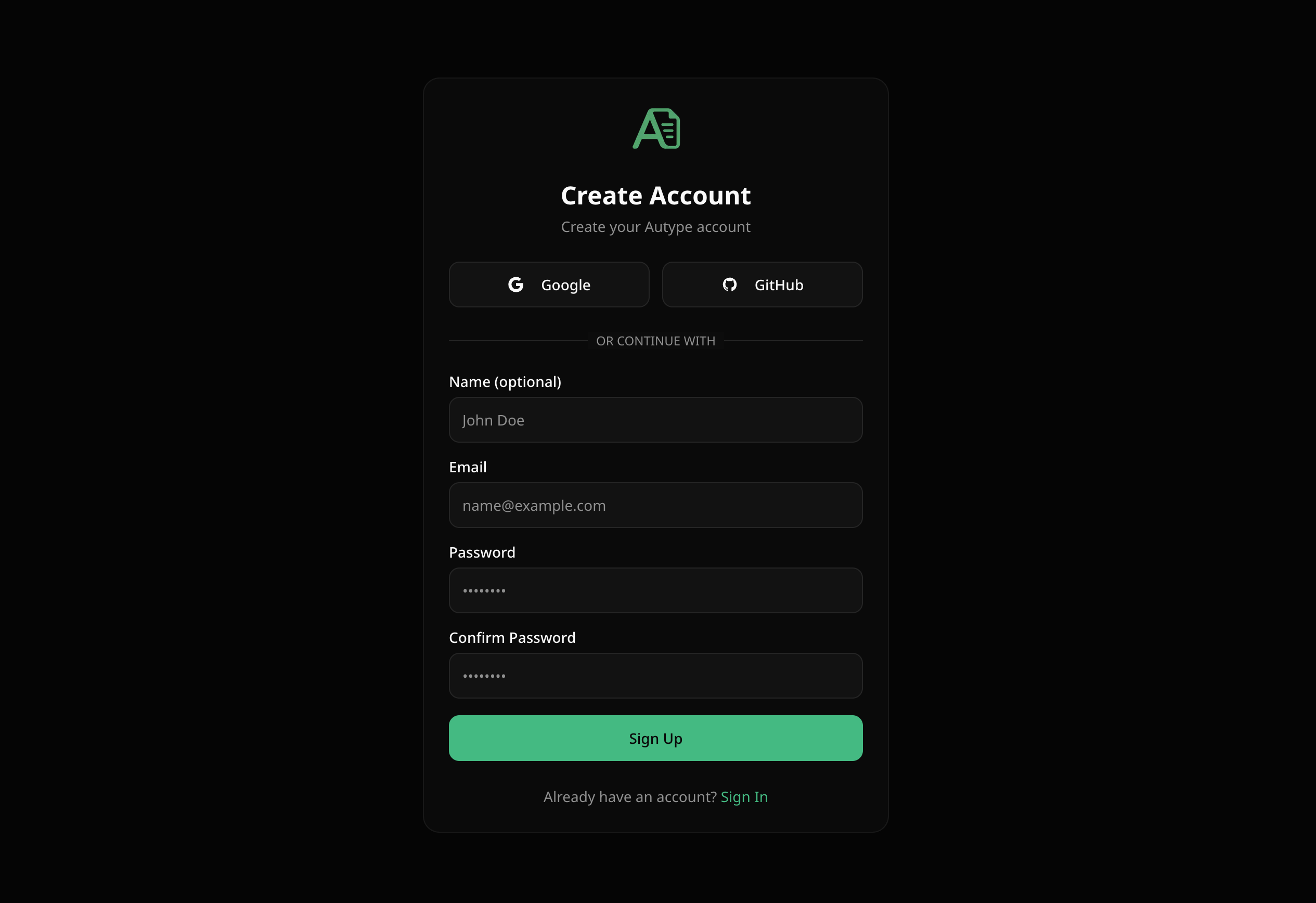
- Google — one-click sign up with your Google account
- GitHub — one-click sign up with your GitHub account
- Email & Password — enter your name (optional), email, and a password (min. 8 characters)
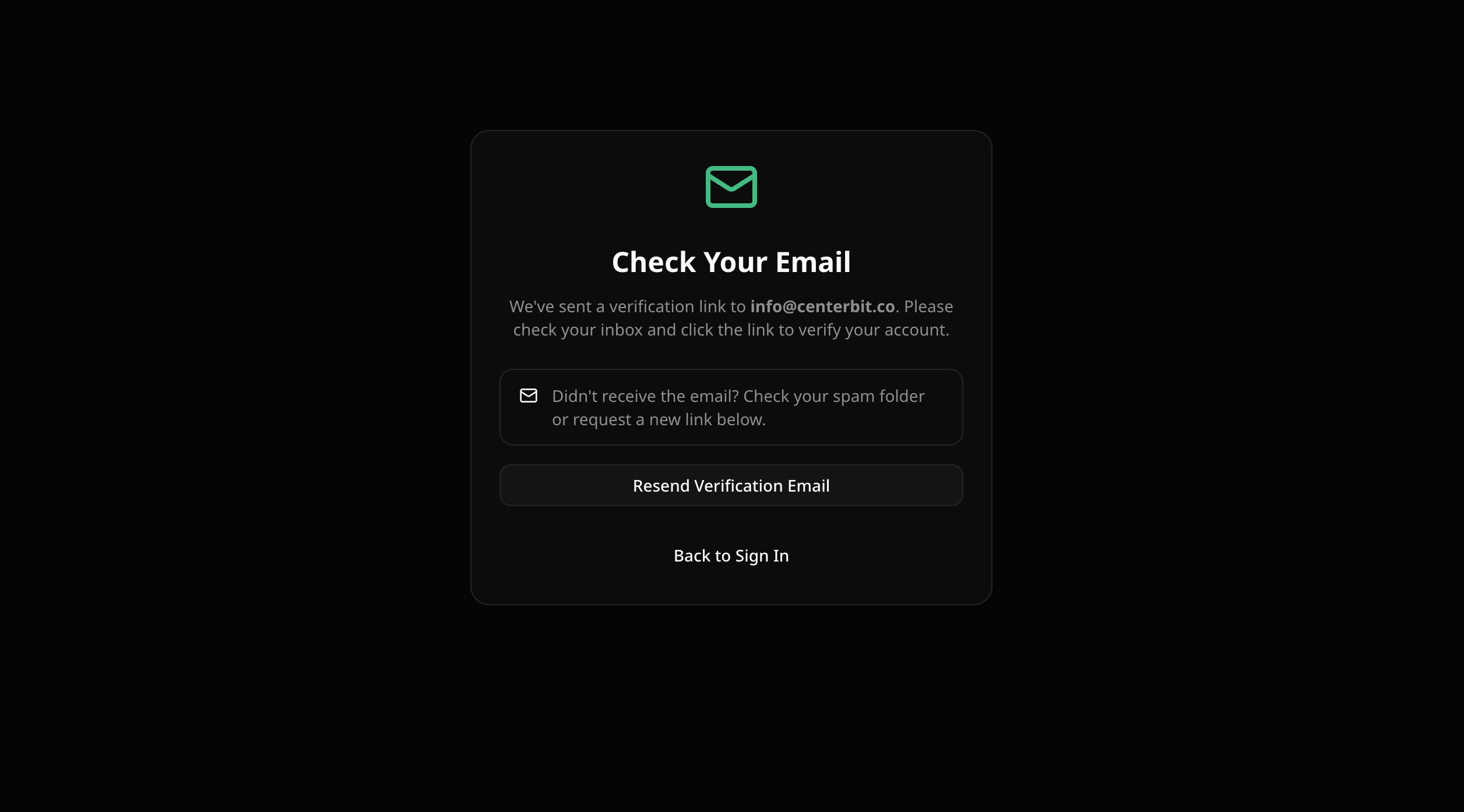
If you don’t see the verification email, check your spam folder. You can also request a new verification link from the verification page.
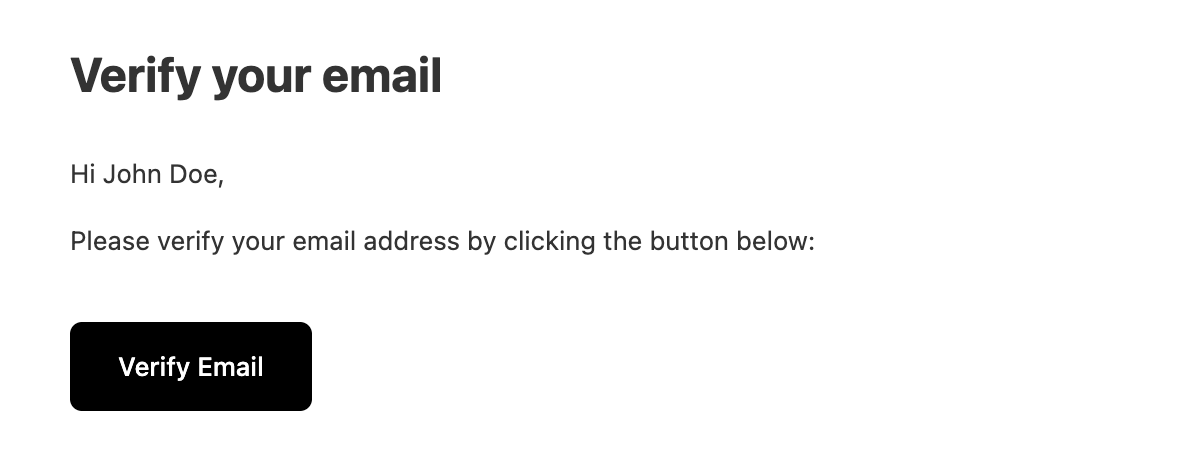
Email verification
Sign in
Go to app.autype.com/login to sign in to your existing account.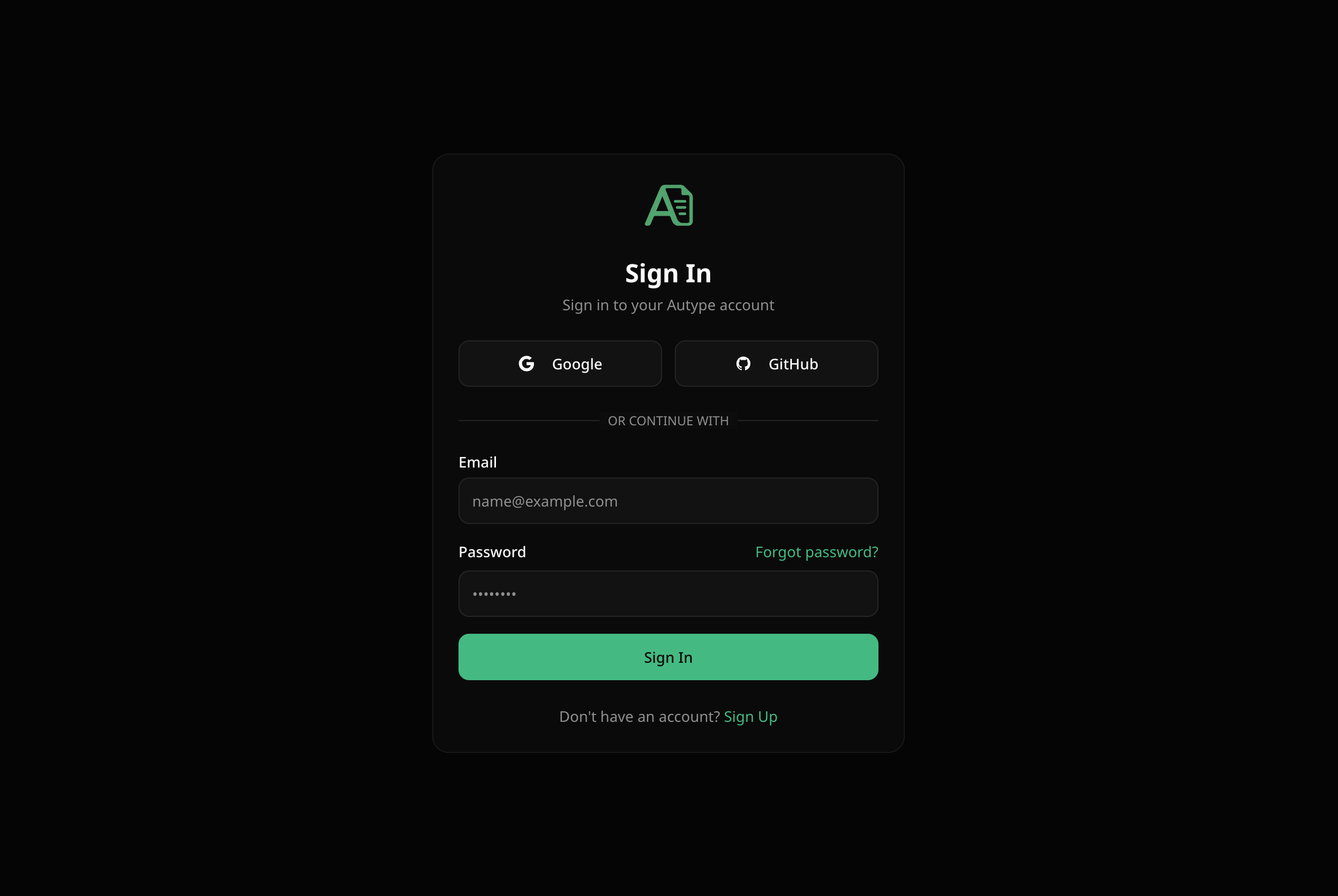
Supported sign-in methods
Forgot password
If you forgot your password, click “Forgot password?” on the login page.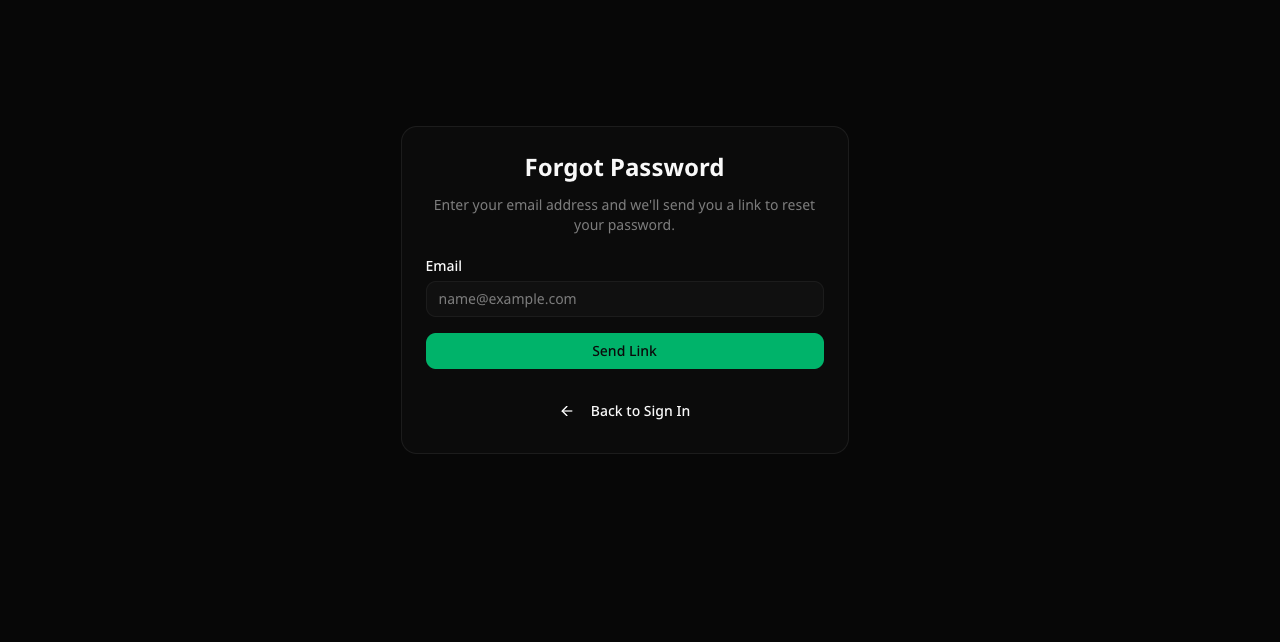
- Enter your email address
- Click “Send Link”
- Check your inbox for a password reset email
- Click the link and set a new password