
1. Create your account
Go to app.autype.com and sign up with your email or use Google / GitHub OAuth. After verifying your email, you’ll land in your Workspace.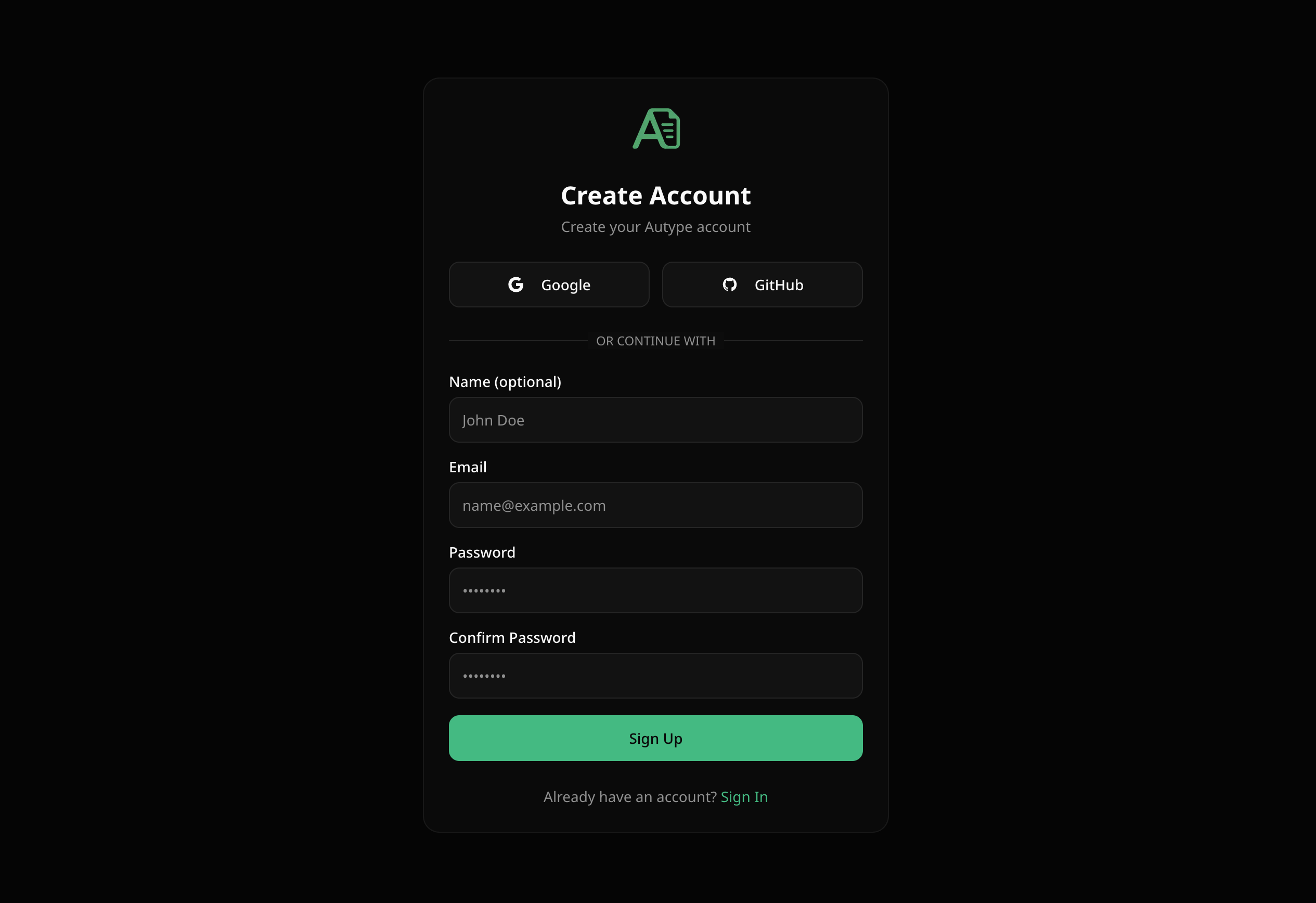
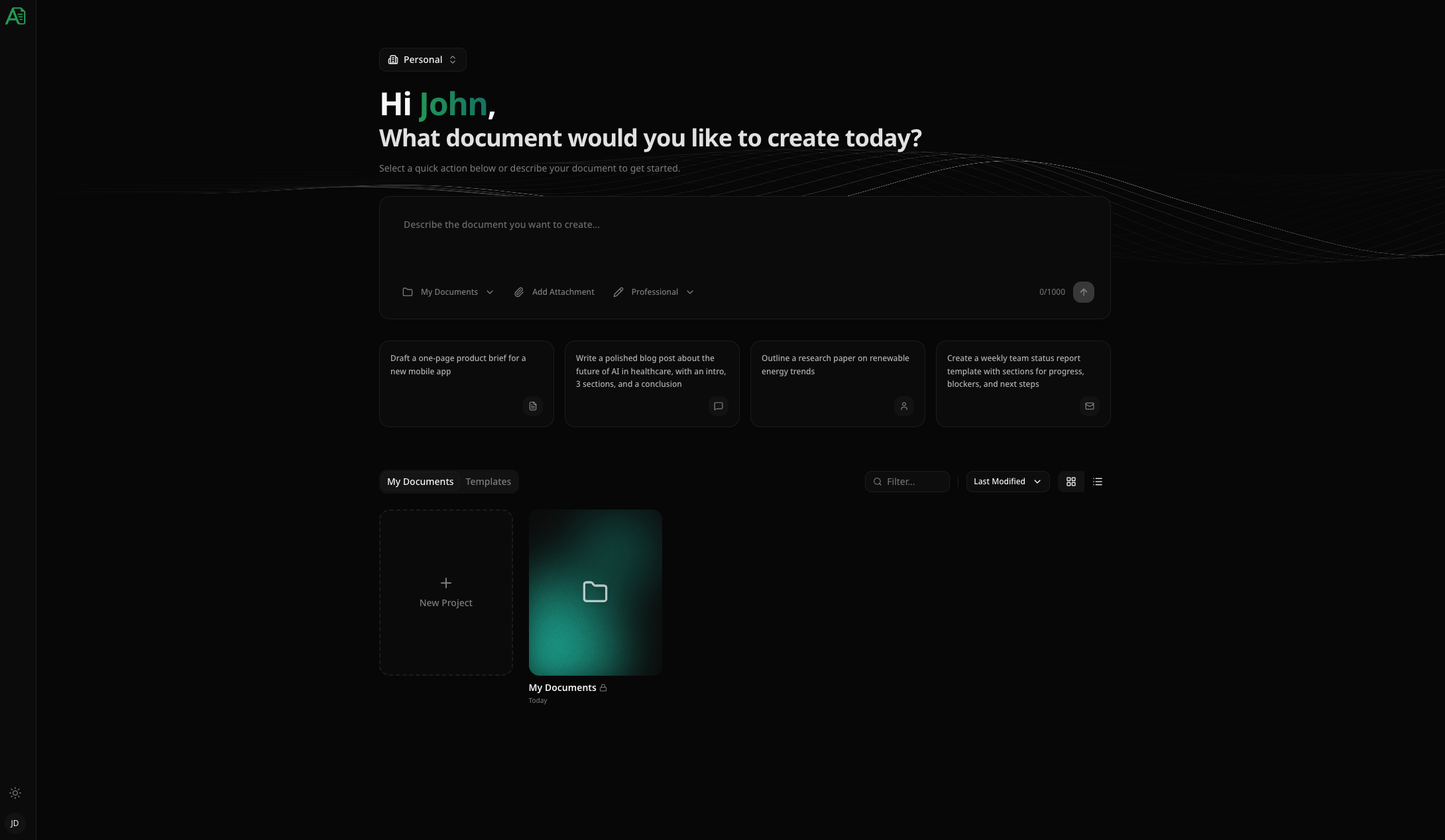
2. Create a project
Click New Project in your workspace. Give it a name — for example, “My First Document”. Projects are folders for related documents. Variables and version history stay with each document, so templates and customer outputs remain independently maintainable.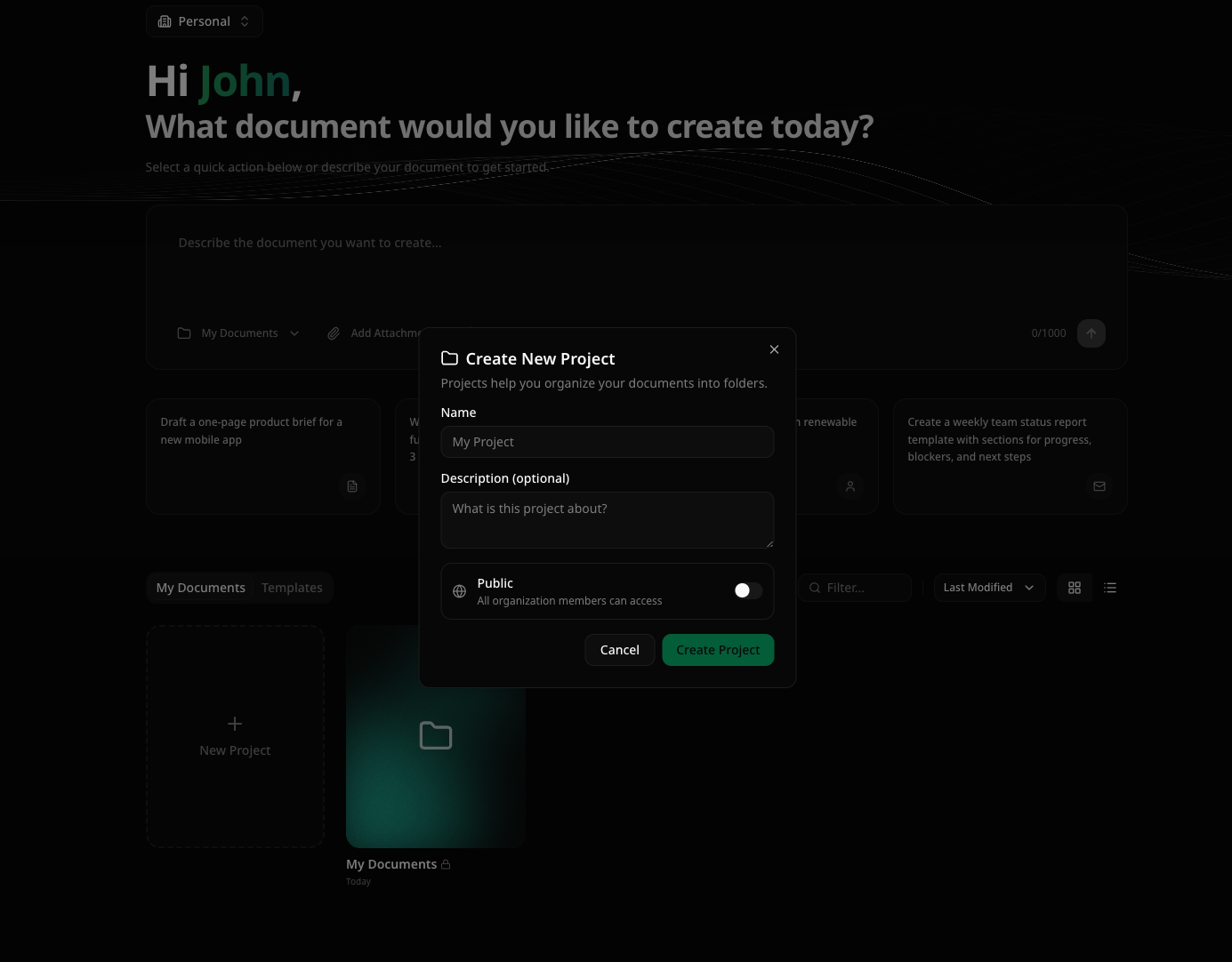
3. Create a document
Inside your project, click New Document. You’ll be taken directly into the editor.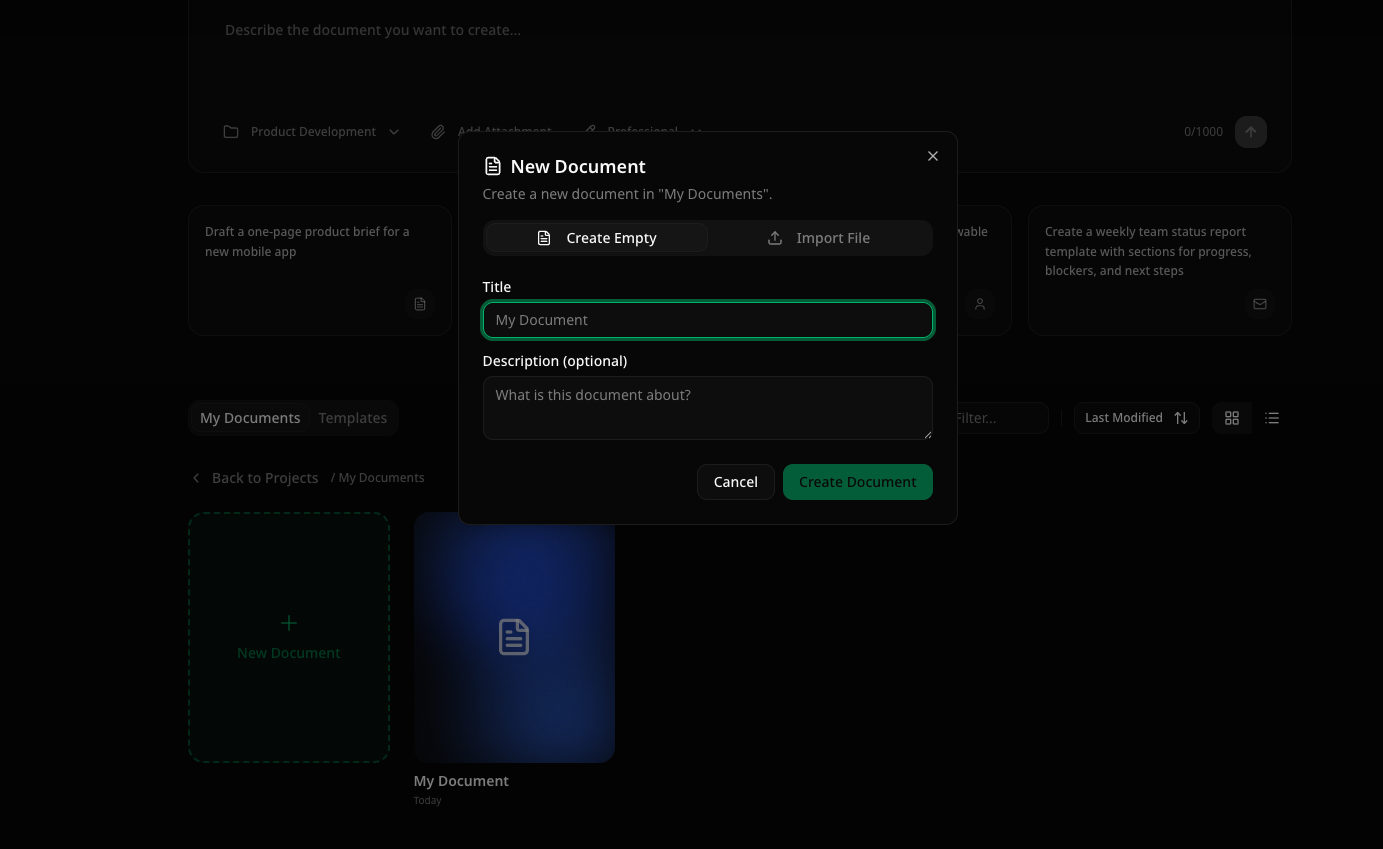
4. Write your content
Start typing in the visual Write editor. Switch to MD whenever you want to edit the same content as Extended Markdown. Here’s a simple example to get you started: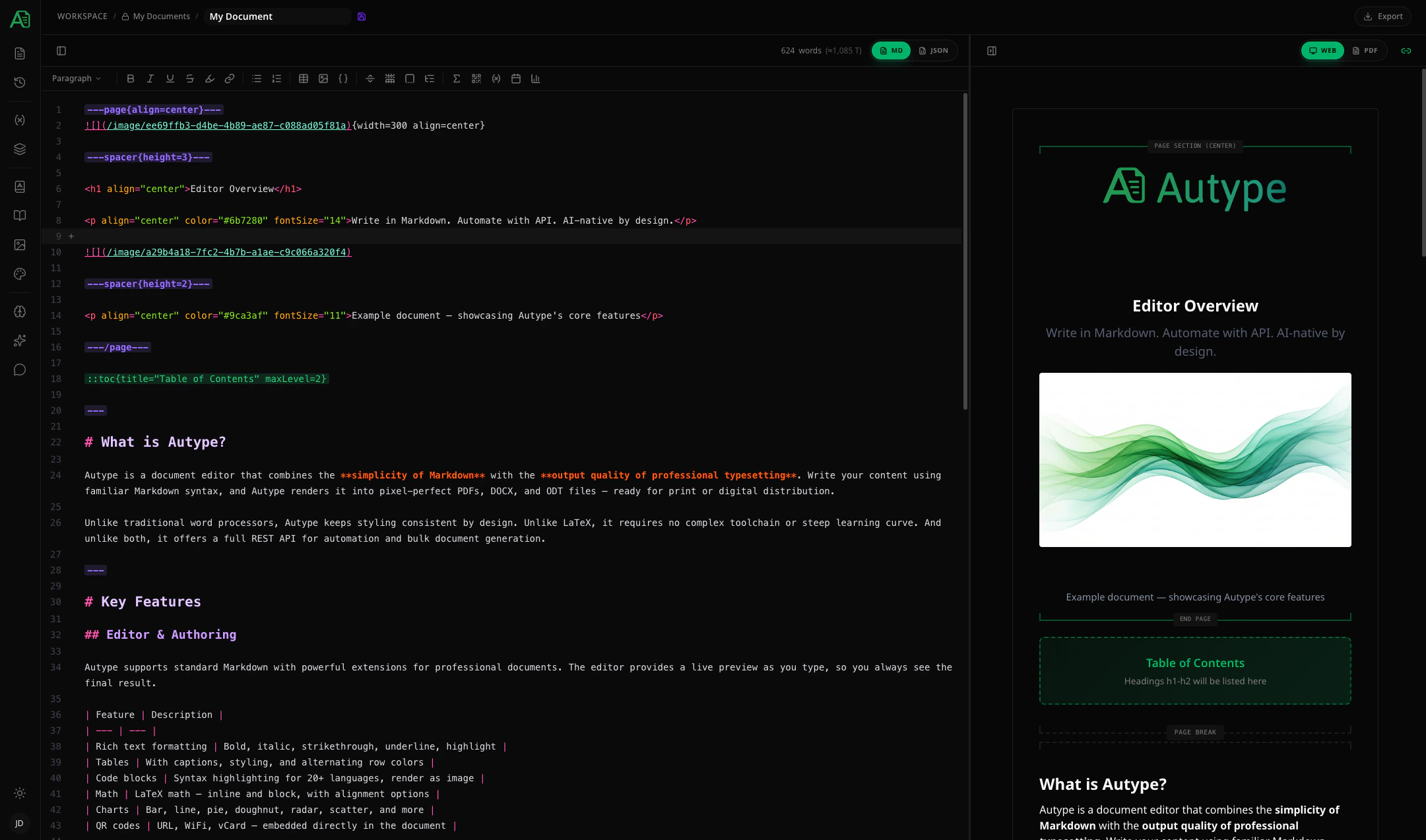
5. Export as PDF
Click the Export button in the top toolbar and select PDF. Your document will be rendered and downloaded in seconds.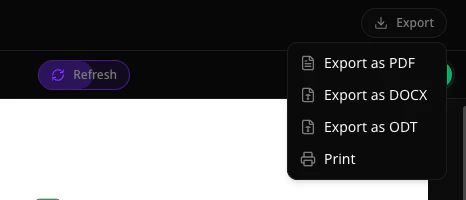
What’s next?
Explore features
Citations, charts, variables, automatic indices, and more.
Learn the markup
Full syntax reference for Autype’s extended Markdown.
Set up your team
Invite collaborators, assign roles, and work together in real-time.
Automate with API
Generate documents programmatically and integrate with your workflows.