
@[id] syntax.
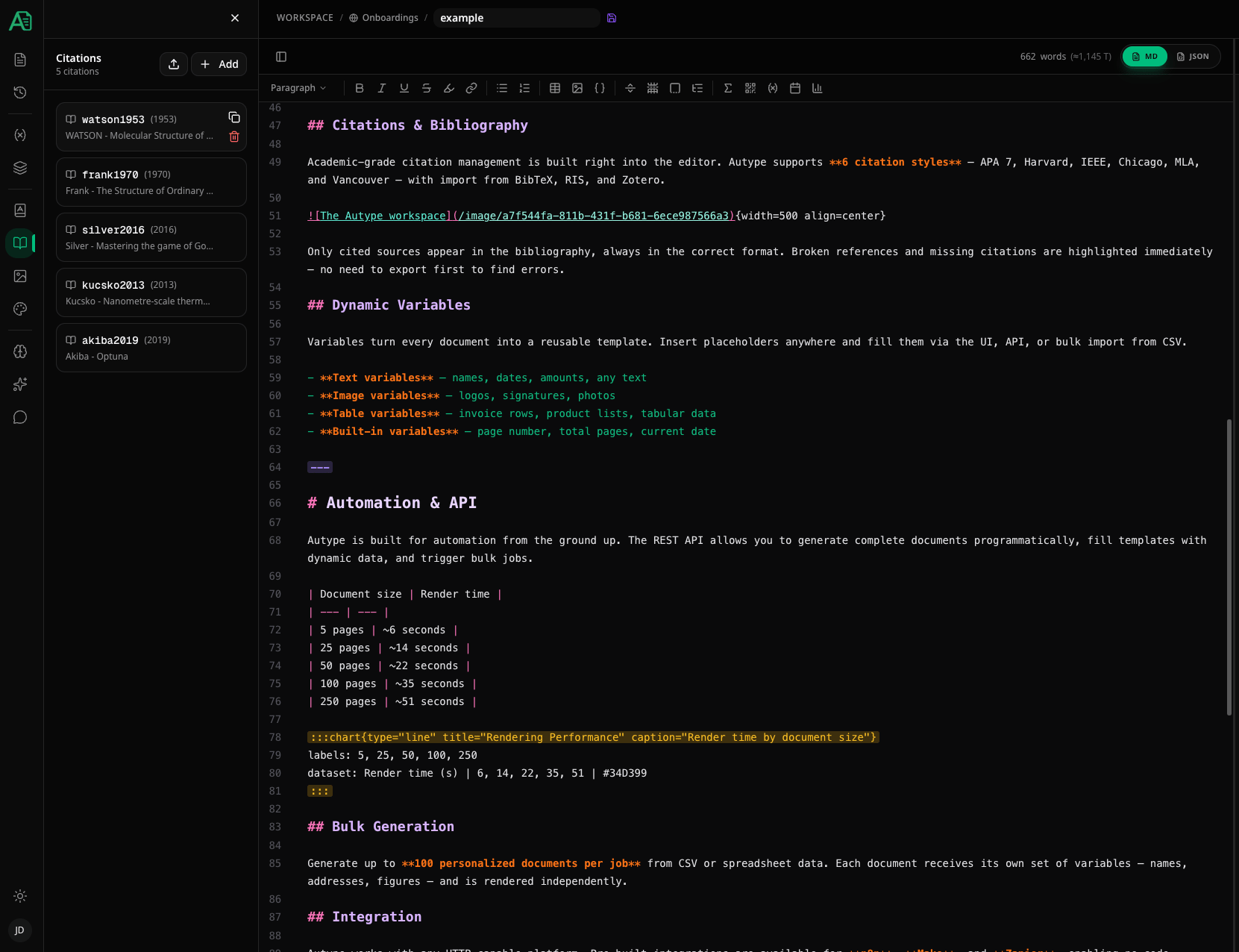
Adding a citation
Click the Add button to open the citation dialog. There are two ways to fill in the details:- Auto-fill via DOI or ISBN — enter a DOI (e.g.,
10.1000/xyz123) or ISBN (e.g.,978-3-16-148410-0) in the lookup bar at the top and press Enter. The citation fields are populated automatically. - Manual entry — fill in the fields yourself.
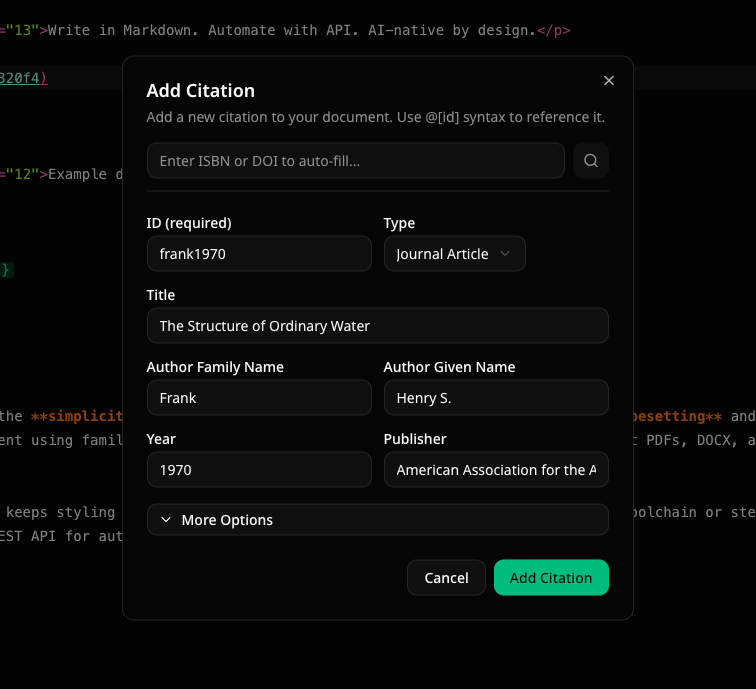
Citation fields
Each citation requires an ID and a Type. All other fields are optional but recommended for proper bibliography formatting.
Expand More Options to access additional fields: Container Title (journal/book), Volume, Issue, Pages, ISBN, ISSN, Edition, Editor, Place of Publication, DOI, and URL.
Supported source types
Importing citations
Click the Import button to bulk-import citations. The import dialog supports two methods:File upload
Upload a CSL-JSON (.json) or BibTeX (.bib) file. The parser automatically detects the format.
Paste text
Switch to the Paste Text tab and paste CSL-JSON or BibTeX data directly.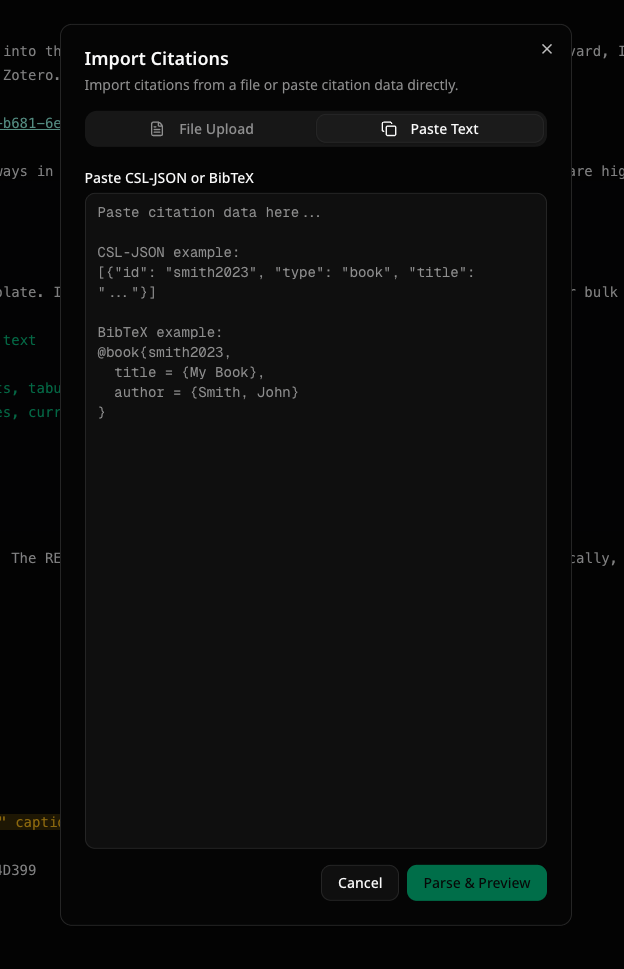
- Select/deselect individual citations to import
- Skip existing citations (default) or replace them with the imported version
- Review any errors (e.g., duplicate IDs within the import file) or warnings (e.g., citation already exists in your document)
Using citations in your document
To reference a citation in your text, use the@[id] syntax:

Citations with locators
Add page numbers, chapters, or other locators after the cite key:
Multiple locators can be combined:
Adding notes
Add a custom note to a citation:Author control
Suppress author — prefix the cite key with- when the author is already mentioned in the text:
! to the cite key to show only the author name:
Citation style
The citation style determines how in-text citations and the bibliography are formatted. You can change the style in the Styles panel under the document defaults section.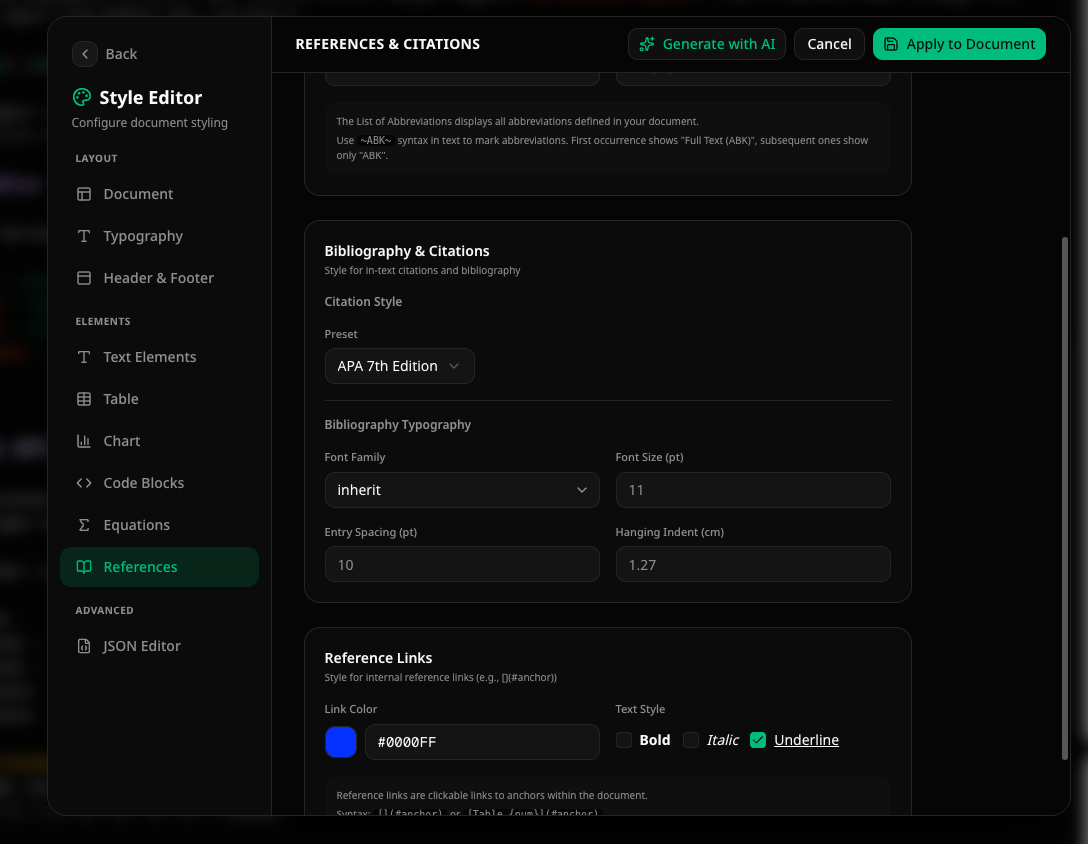
Bibliography
To insert an automatic bibliography that lists all cited sources, use the Indices button in the toolbar and select Bibliography. The directive syntax is:The bibliography only includes sources that are actually cited in the document using
@[id]. Sources that are defined in the panel but never referenced are not included.